
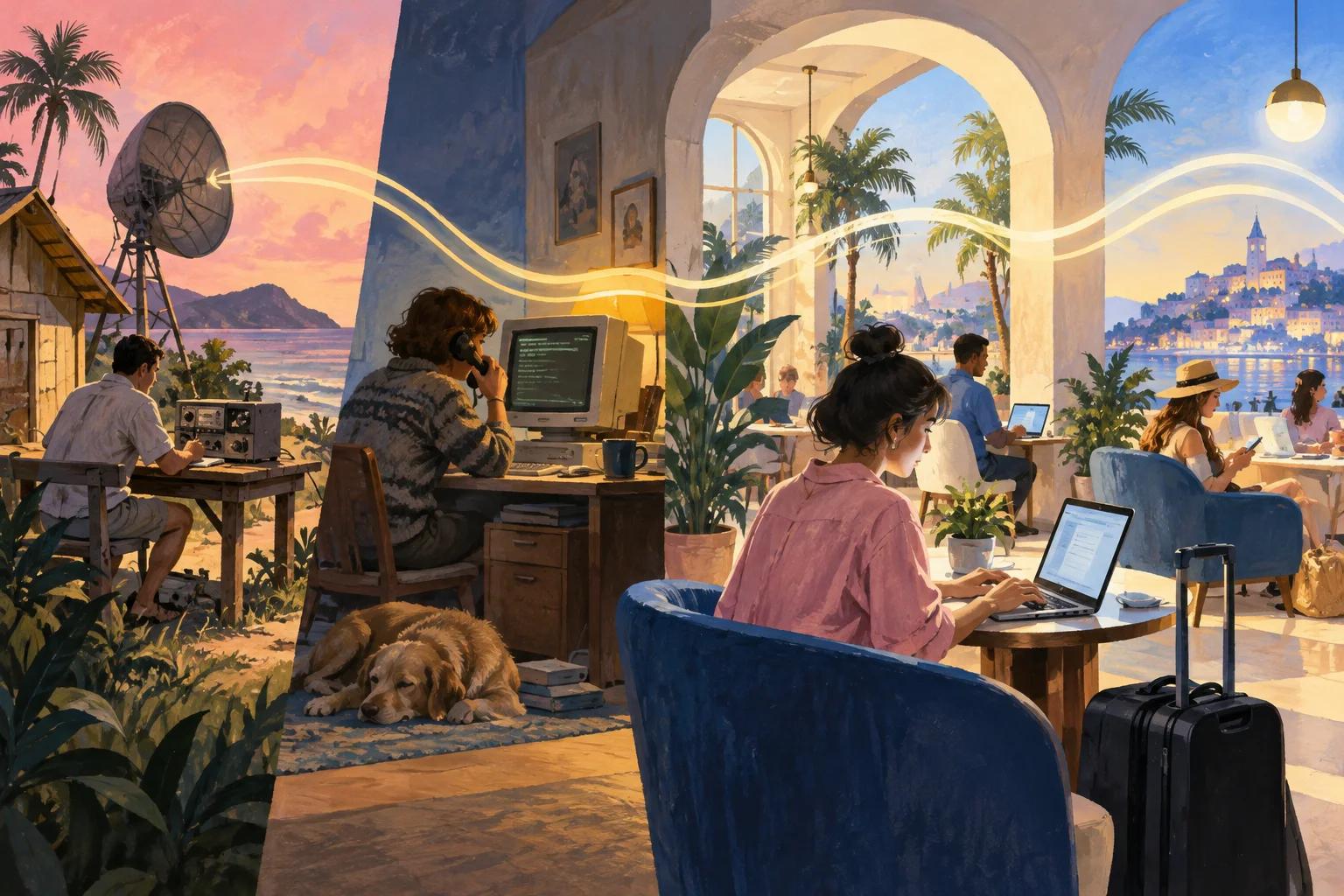
Most of us now expect WiFi the way we expect running water: it is just there. A generation has grown up never knowing anything else, and many governments plan broadband as infrastructure alongside roads and power.
For those of us who remember dial up, it was not always like this. Connections were slow and noisy, and the household argued over who was tying up the phone line. Nobody then imagined joining a network in a café with one tap.
So how did WiFi get from there to here? Here is a short, fact checked history, and what it means if you run guest WiFi in a venue today.
Put this guide to work
Free worksheets, campaign templates and a venue growth calculator. No email gate.
The Surprising Origins of WiFi
You might assume WiFi was born in a Silicon Valley lab or a government research center. In fact its roots predate the World Wide Web, which was proposed at CERN in 1989, and lead back to Hawaii.
In 1971, researchers at the University of Hawaii brought ALOHAnet online, one of the first wireless packet data networks. Instead of relying on cables or telephone lines, it used radio to let computer terminals at sites on several Hawaiian islands exchange data with a central computer on Oahu.
The project was led by Norman Abramson, an engineer and computer scientist whose contribution deserves wider recognition. ALOHAnet used Ultra High Frequency (UHF) radio, spectrum then associated mainly with television. Just as important was its method for letting many stations share a single radio channel, known as the ALOHA protocol. Its ideas about random access to a shared channel influenced Ethernet and, later, the way WiFi devices take turns on the air.
The Rise of Wireless Networks in the 1980s
What happened after that breakthrough? For roughly a decade, not much that the public could see.
The practical uses of wireless data, beyond linking a handful of computers across the islands, were not yet obvious. Telecommunications were also tightly regulated, and radio spectrum was licensed and scarce.
That changed in 1985, when the US Federal Communications Commission opened three bands, around 900 MHz, 2.4 GHz and 5.8 GHz, for unlicensed use by spread spectrum devices. These industrial, scientific and medical (ISM) bands meant companies could build wireless products without applying for a license, and regulators in other countries followed with similar rules.
Businesses moved quickly. NCR, working with AT&T, developed WaveLAN, a wireless networking product first aimed at connecting cash registers. It became one of the direct ancestors of the WiFi we use today, a neat reminder that retail and hospitality were part of the WiFi story from the start.
New Millennium, New Innovations
For most people, the word WiFi entered everyday conversation in the early 2000s. Until then we were living with slow downloads, early chat rooms and instant messaging after school.
A key figure in this period is Vic Hayes, often called the father of WiFi. He chaired the IEEE 802.11 working group, the committee that wrote the technical standard, through the 1990s. The IEEE published the first 802.11 standard in 1997, with speeds of up to 2 Mbps. In 1999 two faster versions followed: 802.11b, up to 11 Mbps in the 2.4 GHz band, and 802.11a, up to 54 Mbps in the 5 GHz band.
Also in 1999, a group of companies formed the Wireless Ethernet Compatibility Alliance to certify that products from different makers would work together. The group, later renamed the WiFi Alliance, hired the branding agency Interbrand to find a friendlier name than "IEEE 802.11b Direct Sequence". The result was WiFi, a play on the familiar "hi fi". Contrary to popular belief, WiFi does not officially stand for "wireless fidelity". The same year, Apple helped bring the technology to consumers with its AirPort wireless products for laptops.
With a common standard and a recognisable name, wireless networks spread quickly through homes, offices, airports and cafés, without cables and without the dial up screech many of us still remember.
Faster, Faster, Faster!
Demand for speed has driven every generation since. In 2003, 802.11g brought 54 Mbps to the 2.4 GHz band. In 2009, 802.11n added multiple antennas and much higher throughput. 802.11ac, ratified in 2013, focused on the 5 GHz band and pushed speeds higher again.
In 2018 the WiFi Alliance introduced simple generation names, so buyers no longer had to decode standard numbers:
| Generation | IEEE standard | Arrived | Bands |
|---|---|---|---|
| WiFi 4 | 802.11n | 2009 | 2.4 and 5 GHz |
| WiFi 5 | 802.11ac | 2013 | 5 GHz |
| WiFi 6 | 802.11ax | 2019 (certification) | 2.4 and 5 GHz |
| WiFi 6E | 802.11ax | 2021 (certification) | Adds 6 GHz |
| WiFi 7 | 802.11be | 2024 (certification) | 2.4, 5 and 6 GHz |
The later generations are not only about peak speed. WiFi 6 improved how access points serve many devices at once, which matters in a busy restaurant or hotel lobby. WiFi 6E and WiFi 7 added the 6 GHz band, where regulators allow it, giving cleaner channels with less interference. If you are choosing equipment for a venue, our guide to WiFi 6 vs WiFi 7 for venues covers what is worth paying for.
Expectations have risen with the technology. Questions like "what is the difference between 2.4 GHz and 5 GHz WiFi?" are now everyday searches, and people have little patience for a page that hangs. In a venue, the guest blames the slow page on your WiFi, not on the website, so a weak connection becomes part of how they remember the visit.
The Future of WiFi
Wireless technology keeps changing, and nobody can say exactly where it goes next. Three trends are already visible.
The Rise of the Internet of Things (IoT)
The term Internet of Things has been around for years, but the scale is now real. WiFi has gone from connecting bulky desktop computers to connecting laptops, phones, tablets and watches, and now thermostats, fridges, door locks, cars and city infrastructure. The idea of the smart city depends on networks that connect everything, and WiFi is one of the main ways those devices reach the internet.
WiFi with Broader Coverage
Speed is only half the challenge. Managing congestion, the digital traffic jams that slow everyone down, matters just as much. New spectrum such as the 6 GHz band, mesh systems that spread coverage across large buildings, and variants such as WiFi HaLow (802.11ah), designed for long range, low power sensors, all aim to reach more places and more devices. As demand from automation and connected devices grows, the technology will keep adapting.
Privacy and Personalization in the WiFi Era
People want experiences that feel relevant to them, and businesses want to provide them. At the same time, people are rightly wary of where their data goes. Phones now use private, randomized WiFi addresses by default on many networks, which limits passive tracking, and in the UK and EU you generally need a person's consent before sending them marketing email (ICO guidance on electronic mail marketing).
For venues, that points one way: ask openly, explain the value exchange, and keep network access separate from marketing permission. Our guide to private WiFi addresses and guest analytics explains what you can and cannot reliably measure.
What Life Would Be Like Without WiFi
Many of us remember life before WiFi, and we managed. Disconnecting for a weekend can even sound appealing. But most guests now expect a working connection when they sit down for coffee or check into a hotel, and they notice when it is slow, hard to join or missing. For a venue, that makes guest WiFi part of the service, in the same bracket as clean toilets and a working card machine.
Make Your Guest WiFi Work for Your Business
If you run a restaurant, café, hotel or shop, your guest WiFi can do more than keep people online. A branded login page, known as a captive portal, can welcome guests, ask for an email address with separate, optional marketing consent, and build a guest list you own.
VoqadoWiFi provides that portal for venues using TP-Link Omada or Ubiquiti UniFi access points, and you keep your existing hardware (see supported hardware). Starter is free forever for one location and 500 guest logins a month. Growth is $49 a month for up to three locations and adds Mailchimp sync. Create a free account or read our explainer on social WiFi first.
Get the free Guest WiFi Growth Kit
A diagnostic worksheet, signage copy guests can follow, a campaign brief and a monthly scorecard. Yours to print and share with your team.
Share this article