
The Uncomfortable Default
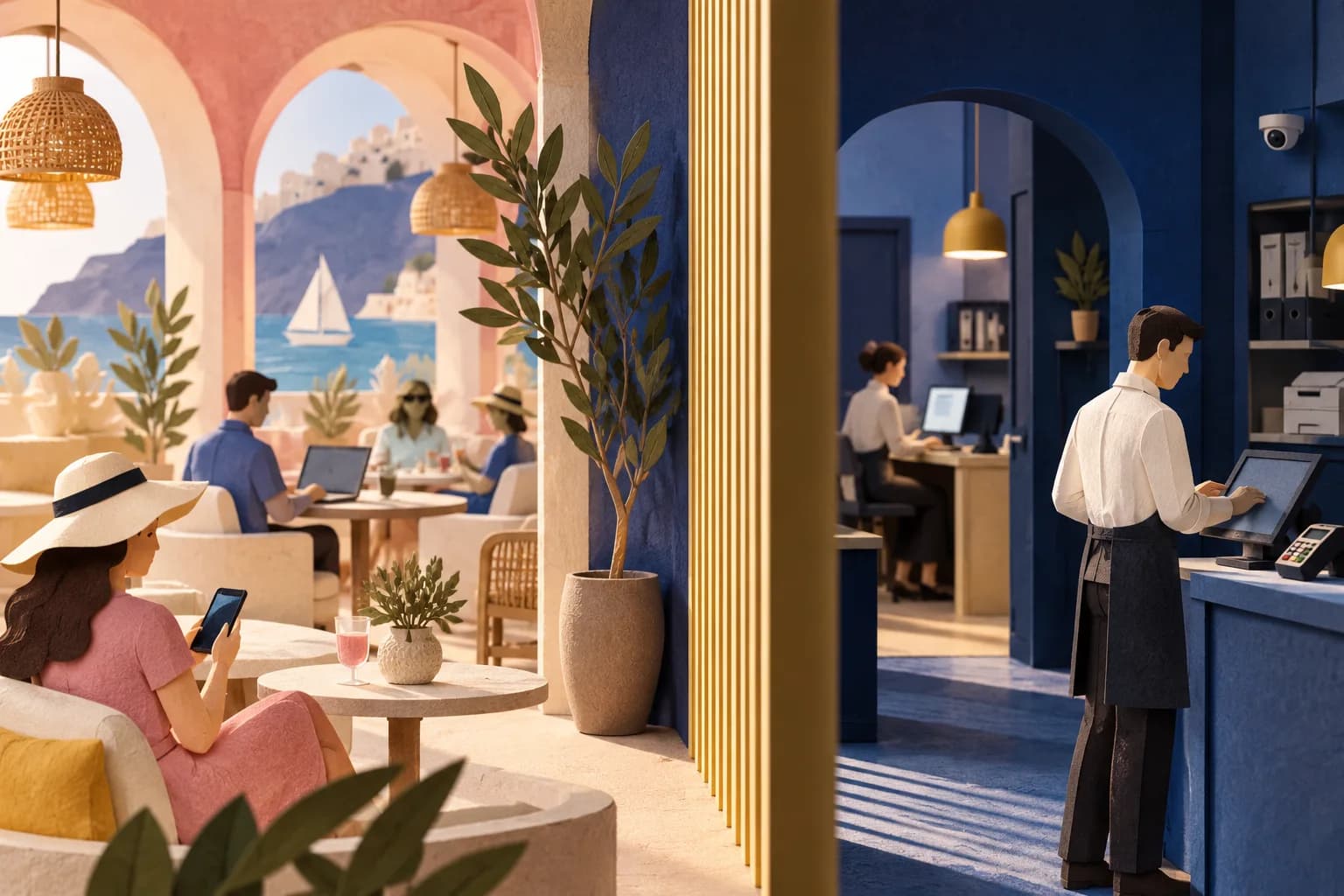
Here is the state of a typical independent venue network before anyone thinks about it: one flat LAN. The card terminal, the POS till, the office PC with the accounts spreadsheet, the CCTV recorder, the printer, and every guest phone that ever joined the WiFi, all on one subnet, all able to reach each other.
That flat network means a single compromised guest device, or simply a curious one, can see and probe every business system you own. It also means your card payment environment shares a broadcast domain with the public, which is precisely the situation PCI DSS scoping exists to prevent, and which turns a routine acquirer questionnaire into an uncomfortable conversation.
Segmentation fixes this. Both platforms VoqadoWiFi runs on, TP-Link Omada and Ubiquiti UniFi, support it on their business gateways and switches, and for a small venue it is a half-day project. This guide is the practical version: a reference design, the rules, and the tests.
Put this guide to work
Free worksheets, campaign templates and a venue growth calculator. No email gate.
VLANs in One Paragraph
A VLAN splits one physical network into multiple logical ones. Traffic tagged for VLAN 40 cannot reach VLAN 30 unless a router explicitly forwards it, which means you can run guest WiFi and your POS through the same switches and access points while keeping them as separate as if they had their own cables. An SSID maps to a VLAN, so one access point can broadcast a staff network and a guest network that land in entirely different worlds. If any term here is unfamiliar, the glossary covers the vocabulary.
A Reference Design for a Venue
Four VLANs cover almost every hospitality site:
- VLAN 10, management: the switches, access points, controller, and gateway themselves
- VLAN 20, staff and operations: office machines, back-of-house devices, staff WiFi
- VLAN 30, payments and POS: tills, card terminals, the POS server if there is one. Nothing else lives here
- VLAN 40, guest: the guest SSID and nothing but the guest SSID
Give each VLAN its own subnet and DHCP scope on the gateway. Both Omada and UniFi gateways handle this in their network settings, and both let you tag an SSID to a VLAN when you create the wireless network.
The firewall policy, expressed as intent:
- Guest reaches the internet and nothing else. Block VLAN 40 to every private range, allow DNS and DHCP from the gateway, allow everything outbound to the internet.
- POS reaches its payment processors and updates, and nothing reaches it. VLAN 30 gets a tight outbound policy and no inbound from any other VLAN. If the POS vendor needs specific destinations, list them.
- Staff reaches the internet and, where needed, specific POS services. If the office PC genuinely needs the POS back office application, allow that one destination and port, not the whole VLAN.
- Management is reachable only from staff, ideally only from named devices. Nobody on guest or POS has any business reaching switch admin pages.
On UniFi, older Network application versions express this as LAN In firewall rules per network, and newer versions use zone based firewall policies; use whichever your release shows. On Omada, the same policy is expressed as ACLs at the gateway or switch level. In both systems, put the deny-to-private-ranges rules above the broad allows and test after saving, because rule ordering mistakes fail silently.
The Guest VLAN Details That Matter for Portals
Client isolation on, at the SSID level. Guests never need to see other guests. Isolation kills lateral movement inside the guest VLAN and stops a hostile device scanning phones at the next table. Both platforms expose this as a checkbox on the wireless network.
The portal still has to work. An external captive portal needs the guest device to reach the portal domain before authorization, and it needs the platform to reach the controller. The first is handled by the walled garden entries in the portal settings. The second happens over the internet, not across your VLANs, if you followed the UniFi setup guide or the Omada integration reference. The one way segmentation breaks a portal: a guest firewall rule so aggressive it blocks DNS or the walled garden destinations. If the portal never loads after you tighten rules, check DNS from a guest device first.
Do not put convenience devices on guest. The music streamer, the smart display, the kitchen tablet: it is tempting, because the guest network is the easy one to join. Every one of these devices punches a hole in your isolation story. Give operational devices a home on staff or a dedicated IoT VLAN.
Rate limit the guest VLAN. Segmentation controls where guests can go; it does not stop thirty phones saturating your uplink. Pair the VLAN with per-client limits, covered in the bandwidth management guide.
Why This Is Also a Compliance Story
The privacy and consent side of guest WiFi gets the attention, but segmentation is the security half of the same promise. When you collect a guest's email with consent, you are implicitly claiming to run your network responsibly. A venue that captures contact data on a flat network with an exposed POS is making a promise its infrastructure cannot keep.
For card payments specifically, the PCI Security Standards Council says segmentation is not a PCI DSS requirement, but that it reduces the cost and effort of an assessment by shrinking the number of systems in scope (PCI SSC, 2016). Without it, guest phones share a network with your card environment and everything in the building is a scoping question. Segmentation does not make you compliant by itself; ask your acquirer or assessor how your payment setup is scoped.
Testing: Trust Nothing, Verify Everything
After configuration, verify with real devices, not by reading your own rules back:
- From a phone on the guest SSID: portal loads, opt-in works, internet works.
- From the same phone: attempt to reach the POS subnet, the management subnet, and another guest device by address. Every attempt should fail.
- From a staff device: confirm it reaches what it should and cannot reach the POS VLAN except through the specific allowed service.
- From the POS VLAN: confirm the till still processes a test transaction, and that nothing else answers it.
- Re-run the guest portal test after every future firewall change. Segmentation regressions arrive quietly, usually inside an unrelated change.
Write the VLAN plan down somewhere a future contractor will find it. The network you built today will be modified in a hurry by someone else during some future emergency, and the one-page diagram is what keeps the guest VLAN from being bridged to the POS at midnight before a bank holiday.
A segmented network is the foundation the marketing layer stands on. Once it is in place, the portal and data capture run on infrastructure you can defend to an auditor, an acquirer, and your own conscience.
Get the free Guest WiFi Growth Kit
A diagnostic worksheet, signage copy guests can follow, a campaign brief and a monthly scorecard. Yours to print and share with your team.
Share this article