
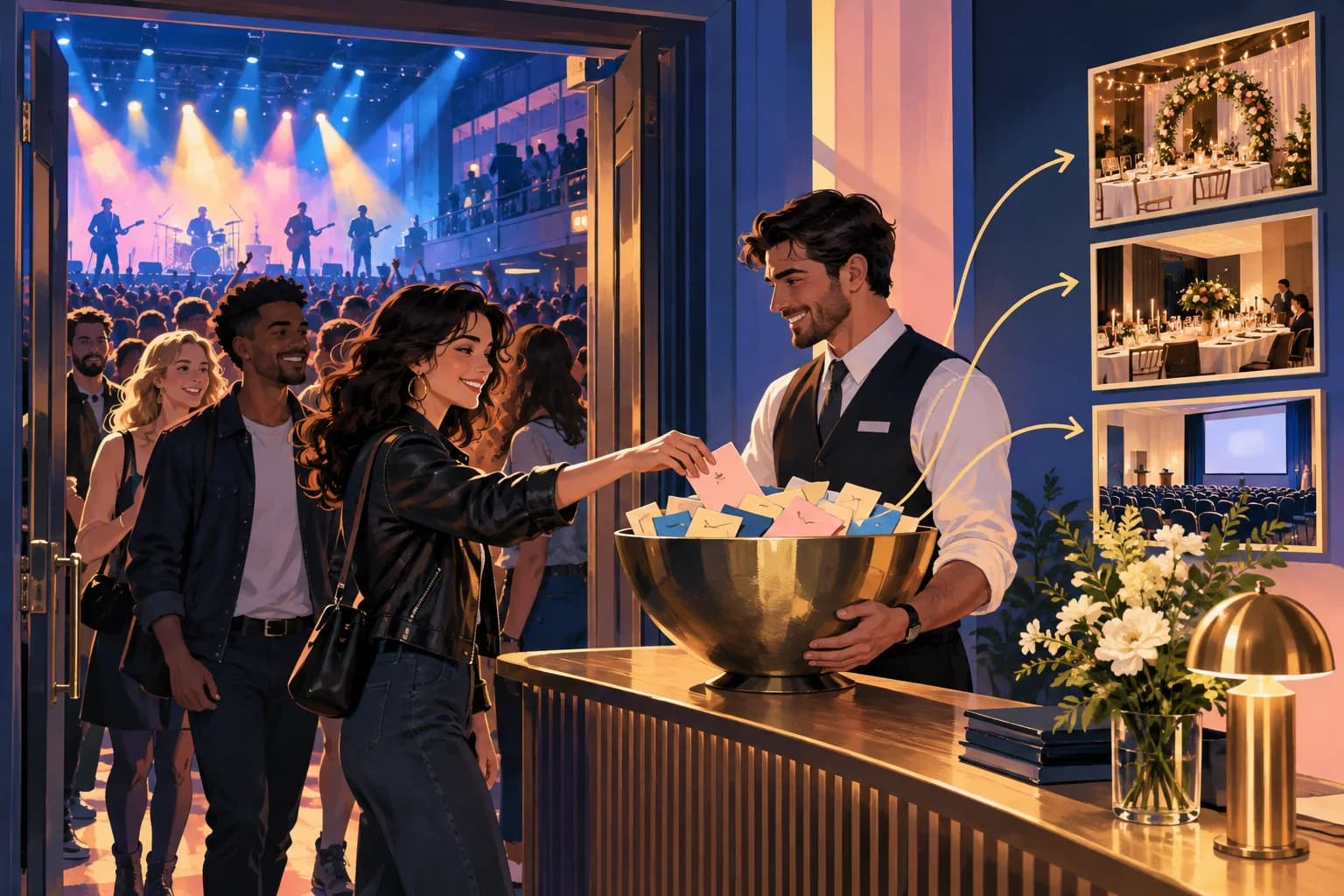
The Event Venue Marketing Problem
Event venues have a problem most bars and cafes do not. Traffic comes in spikes: a sold out Friday, then a quiet Tuesday, then a wedding. The people who came on Friday had a great night and left, and unless they bought tickets through you, you have no way to tell them about the next one.
Ticketing platforms and promoters often hold the buyer list. Guest WiFi is one of the few ways the venue itself can build a list, from people who were physically in the room and chose to hear from you.
The Critical Configuration Detail
The most common mistake is branding the portal to the event instead of the venue. "Welcome to [Band Name] Live" builds a list that feels like it belongs to the act. When the act moves on, so does the relationship.
Put this guide to work
Free worksheets, campaign templates and a venue growth calculator. No email gate.
Brand the portal to the venue every time: "Welcome to [Venue Name]. Get online and hear about future events here." The event gives people the reason to connect; the venue name on the page is who they are agreeing to hear from.
This matters for consent as well as marketing. Use separate, unticked marketing consent, apart from accepting the WiFi terms; VoqadoWiFi's explicit consent mode does this and stores each choice with the wording the guest saw. If that wording names the venue, your later emails match what the guest agreed to.
Post-Event Email Sequence: The Three-Stage Framework
Send only to guests who ticked the marketing box.
Email 1 (the morning after): Thanks for coming. No sales pitch. One photo from the night if you have one. In VoqadoWiFi, quiet hours run from 21:00 to 09:00 venue time by default, so messages triggered by a late night event wait for the morning rather than landing at 1am. The default review request goes 3 hours after the visit and every guest sees the same public review link whatever they rate.
Email 2 (about a week later): What else is on. Upcoming events, the private hire spaces, food and drink if you serve it. One clear button: "See what's on."
Email 3 (about a month later, only to people who have not been back): Private hire. "Planning a birthday, a work do or a private party? We host private events and have dates in [next quarter]." Use your real number of events if you want to quote one. Never round it up.
Who has been back? Your guest list shows each guest's last visit. VoqadoWiFi's CSV export includes first visit, last visit and visit count, so you can remove anyone who has returned before you send email 3.
Segmenting by Event Type
Different nights bring different people, and they want different follow ups.
Live music and club nights: future tickets and birthday parties.
Corporate and charity events: private hire, corporate hospitality, lunch and dinner bookings. These guests are often the people who book the next event.
Weddings and private hires: the guests are not your client, the couple is. But every guest just tried your food, service and room. Only email the ones who ticked your marketing box themselves at your portal. Never import a guest list a client gave you for the wedding.
Your own ticketed events: these people chose you directly. They are your core audience and should hear about everything you promote.
How to split them without extra tools: export the guest list after each event and filter on the last visit date. Everyone whose last visit is the event date was at that event. Save that file with the event name and type.
The Long-Term Compounding Effect
A venue list built from people who have already been inside is worth more over time because every event adds to it and every email reaches people who know the room. How much it earns depends on your events, your capacity and your offers, so measure it yourself: count enquiries and ticket sales that come from each send.
On cost, Growth is $49 a month for up to 5,000 logins a month and 3 locations, with Mailchimp sync and email campaigns to opted in guests as email goes live (pricing). A single busy night can pass the free Starter plan's 500 logins a month; limits are soft, so guests are never cut off mid event.
Next step: before your next event, change the portal headline to your venue's name and check the marketing wording says who will be emailing.
Get the free Guest WiFi Growth Kit
A diagnostic worksheet, signage copy guests can follow, a campaign brief and a monthly scorecard. Yours to print and share with your team.
Share this article