
A useful guest WiFi policy tells people how they may use the connection, what limits apply and where to get help. It should be short enough to read on a phone and accurate enough for your team to follow.
Below is an editable starting point for restaurants, cafés, bars and other venues. It is general information, not legal advice or a jurisdiction-ready agreement. Have the finished policy reviewed locally, including its acceptance method and any liability language. A policy does not remove your responsibilities or make an insecure network safe.
This is a practical companion to our acceptable-use policy guide. Instead of another explanation of why an AUP matters, it gives you draft language, the decisions needed to finish it and a launch checklist.
Put this guide to work
Free worksheets, campaign templates and a venue growth calculator. No email gate.
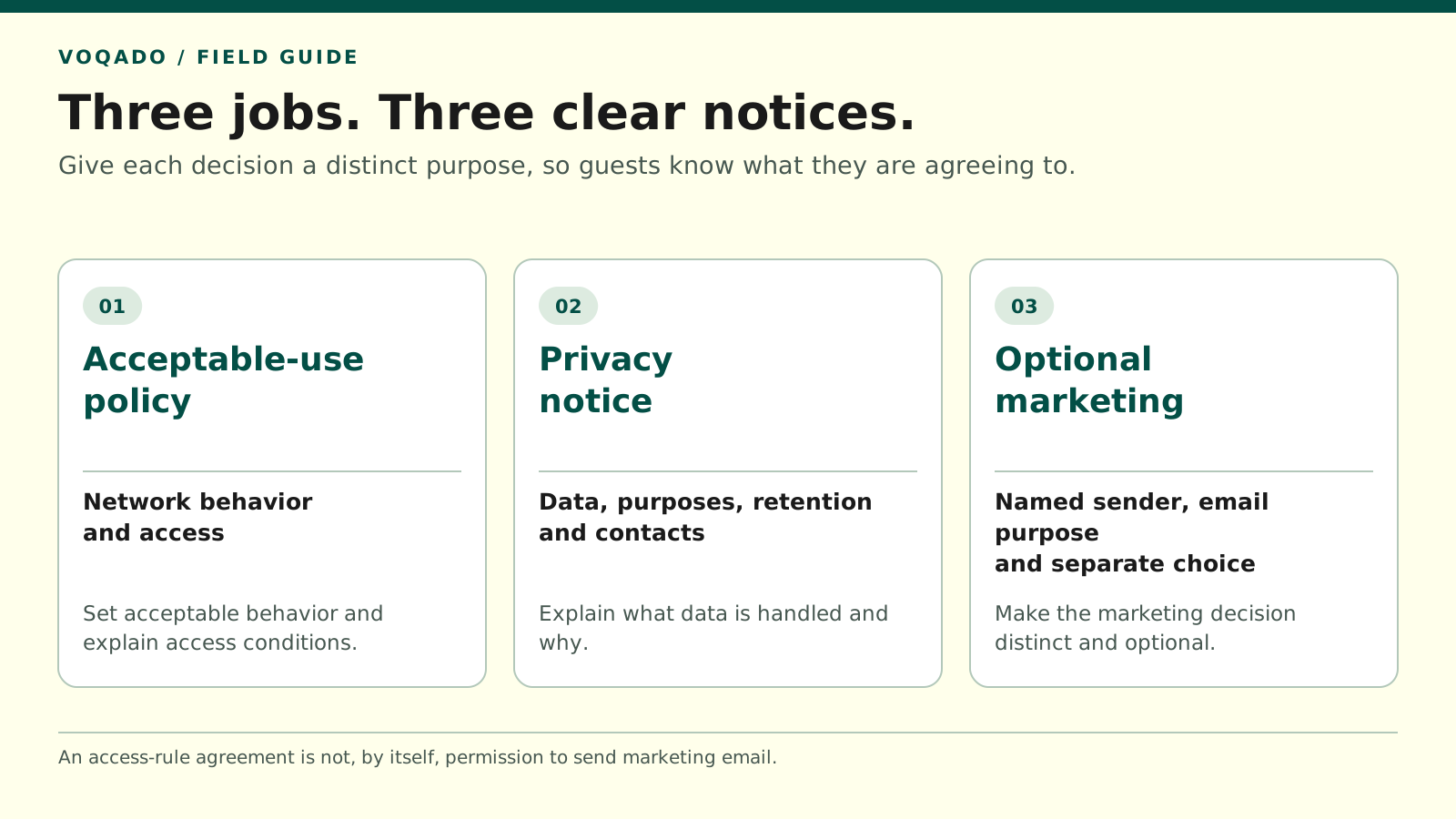
Keep acceptable-use terms, privacy information and optional marketing permission separate.
Make these decisions before using the template
Choose a person who can answer the following questions. Some answers belong with the venue manager; others require the network installer or privacy adviser.
- Who operates the service? Use the responsible legal entity and its trading name, rather than only the name printed above the door.
- Where does it apply? Name the venue or attach an explicit list of covered locations.
- Is access complimentary? If there is a charge or a separately sold service, this template needs substantial revision.
- What restrictions actually apply? Verify session length, fair-use rules and any filtering instead of adding an arbitrary number.
- What information is collected? Check the controller, portal and connected services, not just the fields guests can see.
- Who handles problems? Give staff a working support route and a separate route for privacy requests if needed.
Do not put “we never collect browsing information” or “we delete everything after 30 days” into a policy unless you have verified that statement across the relevant systems.
Copy and adapt the policy
Replace every bracketed item, remove inapplicable wording and obtain the review needed for your location before presenting this to guests.
Guest WiFi acceptable use policy
Operator: [Legal entity], trading as [Venue name]
Applies at: [Venue address or named locations]
Effective date and version: [Date] / [Version]
Help and contact: [Staff contact or monitored email]
1. Using our guest connection
We provide complimentary guest WiFi for lawful use during your visit. Follow the connection instructions shown on the welcome screen. If you need help connecting or reading this policy, please ask our team.
2. Please use the service considerately
Use the connection in a way that respects other guests, staff and other people online. Keep your own device updated and protect your accounts. Take care when sharing personal or confidential information on a shared network.
3. Activities that are not permitted
Do not use the service to:
- Carry out unlawful activity or unlawfully share material belonging to someone else
- Threaten, harass or deliberately harm another person
- Access, probe or interfere with devices, accounts or systems you are not authorized to use
- Distribute malicious software, send spam, intercept other users’ communications or conduct network attacks
- Attempt to bypass access controls or interfere with the operation of the network
- Resell the connection or operate a public service through it without our permission
- Deliberately consume network resources in a way that prevents reasonable use by other guests
4. Availability and fair use
The service is shared and its performance can vary. We do not promise a particular connection speed, uninterrupted availability or suitability for a particular task. You may need another connection for important or time-sensitive activities.
[Insert the service limits that actually apply, such as the session duration, any per-device speed limit and the circumstances in which access may end. Remove this instruction from the finished policy.]
5. Security and network information
We take steps to operate the network responsibly, but cannot guarantee that any shared internet service is free from risk. You are responsible for securing your device and deciding whether this connection is suitable for your intended activity.
Our [Guest WiFi Privacy Notice: link] explains what personal information is collected through this service, why it is used, who receives it and how long it is kept. It also explains how to contact us about your information and exercise applicable rights.
6. Marketing is optional
Accepting this policy does not subscribe you to marketing. If we offer an email signup, you can choose separately whether to receive it. Declining marketing does not prevent you from using the guest connection. You can unsubscribe using the method explained in the marketing messages.
7. Responding to misuse and service problems
We may restrict or suspend access where reasonably necessary to respond to a breach of this policy, protect the service or comply with applicable legal requirements. Contact [support contact] if you believe your access has been restricted in error.
Please report suspected misuse or connection problems to [contact]. Do not investigate another person’s device or attempt to access their information yourself.
8. Changes and your rights
The current policy and its effective date are available at [policy URL]. We will communicate material changes through [actual notice method], and request acceptance where required. Nothing in this policy limits rights that cannot lawfully be limited or excluded.
End of template
The availability wording above describes expectations; it is not a complete liability exclusion. If your adviser recommends additional provisions, have them draft wording appropriate to your service, customers and jurisdiction. Avoid copying a broad “we accept no liability whatsoever” clause from another business.
Keep access rules, privacy and marketing separate
These three parts answer different guest questions:
| Portal item | Guest question | Venue action |
|---|---|---|
| Acceptable-use policy | How may I use this connection? | Show the applicable rules and reviewed acceptance method |
| Privacy notice | What happens to my information? | Explain actual collection and use in an accessible notice |
| Optional marketing choice | Do I want emails from this business? | Record a separate choice and honor changes |
Diagram text alternative: The three items sit alongside one another. Acceptance of network rules can lead to connection; an optional marketing choice is recorded separately. Showing a privacy notice is not a substitute for making that marketing choice.
The UK ICO’s café WiFi example explains why bundling unnecessary marketing consent into connection terms does not produce freely given consent. Its guidance also calls for consent requests to be clear and separate from general terms. Other jurisdictions have different marketing rules, so use this separation as an operational design principle and obtain advice on the requirements that apply to you. ICO café WiFi example, ICO consent-management guidance
For a draft portal label, consider:
> I accept the Guest WiFi Acceptable Use Policy. > > Read our Guest WiFi Privacy Notice. > > Optional: Email me news and offers from [named business]. I can unsubscribe at any time.
Keep the marketing control unticked. Have the exact labels, named sender and connection flow reviewed together. Avoid a single “Agree to everything” button that hides what the guest is choosing.
Check the privacy notice against reality
The AUP’s privacy link must lead somewhere useful. For example, the ICO’s UK guidance identifies the organization, purposes, lawful basis, recipients and retention information among the details a privacy notice may need to explain. A complete notice also addresses applicable rights and other required information. A sentence saying “we respect your privacy” is insufficient. ICO privacy-notice requirements
Keep the finished notice specific to your actual deployment. If one venue collects only an email and another also requests a birthday, copying the same unexplained notice across both can create a mismatch.
Launch checklist for the venue manager
Before making the policy live, confirm:
- All placeholders are replaced and the responsible business is correctly named.
- The stated limits match controller and portal settings.
- The complete AUP and privacy notice load before a guest is authorized.
- Links remain readable on a small screen and with larger text settings.
- A guest can connect while leaving optional marketing unchecked.
- The policy version and date can be associated with the acceptance record your system actually keeps.
- Staff know where to send a blocked-access complaint or privacy request.
- A dated copy of the approved wording is retained when you replace it.
Omada documents pre-authentication access to specified web resources; use the appropriate supported configuration for your deployment to make essential policy pages reachable. Do not open broad network access just to make a link work. Omada portal access controls
Finally, test a realistic incident: a guest says they were blocked by mistake. The manager should know who can check the connection, who can restore access and how to escalate a concern without examining the guest’s personal device. That turns the policy into something the venue can use.
Share this article