
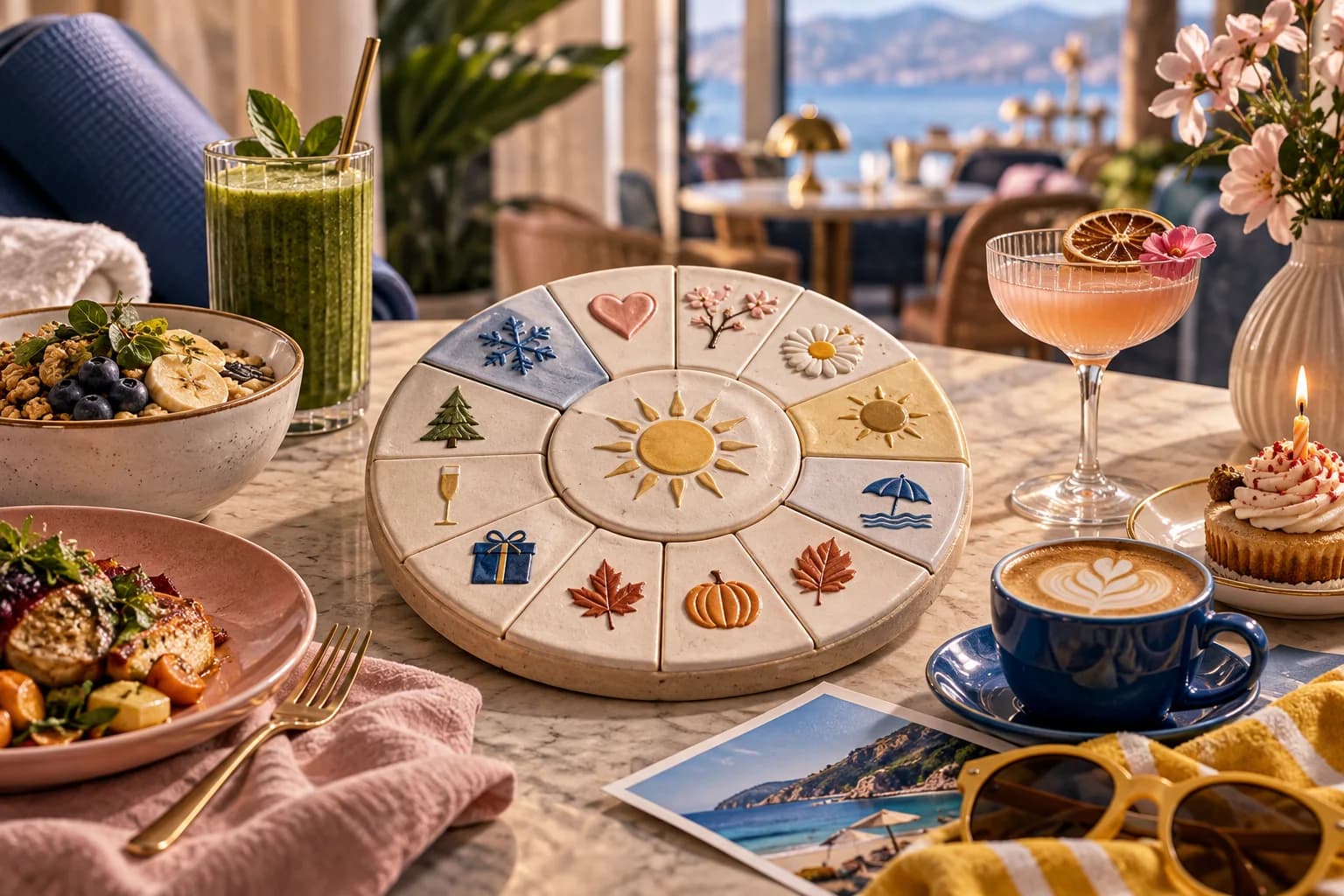
How to Use This Calendar
This calendar gives you one main campaign angle per month. Underneath it sits a small set of automated messages that go out on their own when a guest hits a trigger. The calendar campaigns are the manual sends you plan: one to three a month is plenty for most venues.
It is written for a venue in Europe or the UK, so it mentions bank holidays and Christmas. Swap in your own public holidays, school terms and local events. Your quiet weeks matter more than the national calendar: look at the day of week and hour charts in your WiFi dashboard and plan sends for the weeks you want to fill.
Only email guests who agreed to marketing. Ask for that as a separate, unticked choice on your portal, not as part of accepting the WiFi terms. VoqadoWiFi's explicit consent mode does this.
Put this guide to work
Free worksheets, campaign templates and a venue growth calculator. No email gate.
Year-Round Automation Layer (Always Running)
These are the post visit messages VoqadoWiFi can send. Guest email is switching on venue by venue as email goes live, so check which are live for your venue before you count on them.
- Thank you after a first visit: off by default, 10 minutes after the visit
- Review request: on by default, 3 hours after the visit. Every guest gets the same public review link, whatever they rate
- Review reminder: off by default, 3 days later
- "We miss you": at 30 and 60 days without a visit, off by default, sent at 11:00 venue local time
- Birthday: off by default, 09:00 venue local time, only for guests who gave a birthday
- First visit anniversary: off by default
Plan around the caps. VoqadoWiFi sends a guest at most 1 message per venue in any 7 days and at most 4 in any 30 days, and dashboard campaigns will count toward those limits once campaigns are live (they are not yet). Messages also wait out quiet hours (21:00 to 09:00 venue local time by default). So once campaigns are live, if you send three in a month, a regular who also has a birthday and a review request due will not get all of them that month. That is deliberate. Fewer, better timed emails keep people subscribed.
January: New Year, New Habit
January is about fresh starts and tight budgets. For food and drink venues that can mean lighter menu options, a good value weekday offer, or a reason to get out of the house on a dark evening.
Campaign 1 (early January): "New year, same [Venue], with a few new things on the menu." Campaign 2 (late January): "January can be long. Here's something to make it better." (Comfort food, warm drinks, a social evening.)
For gyms and studios: "You said you'd start in January. We made it easy." Class schedule and a first month offer.
February: Valentine's Day Revenue
For restaurants and bars that take bookings, Valentine's is one of the few dates guests plan weeks ahead. Your WiFi list is people who already know the room.
Campaign 1 (around February 1): booking alert. "Valentine's at [Venue]: book your table." If you mention how many tables are left, make it the real number. Campaign 2 (about a week later): last call. "Valentine's bookings close Sunday."
For guests who are not booking as a couple: a friends dinner or "treat yourself" angle.
We have no reliable figure for how many guests book from these emails, so measure it yourself: give the email its own booking link or code and count.
March: Spring Menu and Pre-Season Momentum
March is a gap between January belt tightening and spring. Use it to build anticipation.
Campaign: spring menu preview. "We've been working on something. The spring menu launches [date]. Here's a first look." One dish, one photo if you have a good one. It gives regulars a reason to come in for the launch.
April: Easter and School Holiday Opportunity
Easter moves between March and April, so check the date each year.
For family friendly venues: school holiday programming, Easter brunch, sharing menus. For everyone else: long weekend hours and whether to book.
Campaign: "Easter weekend at [Venue]: what you need to know." Opening hours, special menu, booking advice.
May: Early Summer and Event Season Opening
Bank holiday weekends and the first outdoor tables of the year.
Campaign: "The terrace is open. First come, first seated." Only send it if the forecast holds; an email about a terrace on a rainy weekend does more harm than good.
June: Summer Launch and Mid-Year Momentum
Campaign 1: summer menu launch. Specific dishes, seasonal drinks, any change to opening hours. Campaign 2: "Summer at [Venue]: here's what's on through August." Events calendar and special evenings.
If you take private hire: "Summer private bookings: we have [X] dates left." Use the real number of dates.
July and August: High Season Management
In peak season you may not need to fill tables. Drop to one send a month, or none, and use it to help guests get a good experience:
Campaign: "The best seats on a summer evening, and how to get them." Booking tips, quieter times to visit, a book ahead option.
September: Back to Business
Holidays end, routines restart, and guests who drifted away over summer are worth a nudge.
Campaign 1: autumn menu launch. "Summer was good. Autumn is better. The new menu is here." Campaign 2: a note to guests who have not visited in 60 days or more. In the VoqadoWiFi dashboard, the At risk segment (former regulars with no visit for 30 to 89 days) and the Lost segment (no visit for 90 days or more) are the two lists to look at. "We've been updating things. It's a good time to come back."
October: Pre-Christmas Momentum Building
By the end of October, Christmas is about eight weeks away and groups start choosing where to book.
Campaign: Christmas party and group booking. "Our December dates are filling. If you're planning a work dinner, a celebration or a family get together, now is the time to book."
For restaurants: a festive menu preview. The guests who book first get the best dates.
November: Black Friday and Gifting
A venue does not need to discount to take part in Black Friday. Gift vouchers, prepaid experiences and group dining packages fit better. Your WiFi subscribers have been in the venue, so a voucher is an easy gift for them to give.
Campaign: "Gift an evening this year: [Venue] gift vouchers, in time for Christmas."
December: Christmas Season and Year-End
Campaign 1 (early December): Christmas opening hours and bookings. Campaign 2 (mid December): New Year's Eve, if you have something on. Campaign 3 (late December): a thank you. "Thanks for coming in this year." No offer, no ask.
With three sends in one month, this is where the caps above bite. If you also send a Christmas campaign in late November, think about dropping one of these.
The Annual Investment vs Return
We are not going to give you a revenue figure for this calendar. We have no published data for it, and a projection built on invented averages would not help you plan.
What you can count up front is the cost:
- Software. VoqadoWiFi Starter is free for one location and 500 guest logins a month. Growth is $49 a month ($588 a year) for 3 locations and 5,000 logins a month, and adds Mailchimp sync and email campaigns to opted in guests as email goes live. See pricing.
- Your time. Writing, picking a photo and scheduling one campaign. Time your first few so you know your real number, then multiply by the sends you plan.
And here is how to measure the return yourself:
- Give each campaign something countable: a booking link only that email uses, a code to mention at the till, or a voucher.
- Count redemptions or bookings against that campaign, and note the date range.
- Compare the weeks after a send with the same weeks without one, using your own till data. VoqadoWiFi has no POS integration, so this step is yours.
Illustration, not a benchmark: if a Christmas booking email leads to 6 group bookings of 8 people, and you know your average spend per head, that is 48 covers you can price. Do the same sum after each campaign and drop the months that never pay for the time they take.
Get the free Guest WiFi Growth Kit
A diagnostic worksheet, signage copy guests can follow, a campaign brief and a monthly scorecard. Yours to print and share with your team.
Share this article