
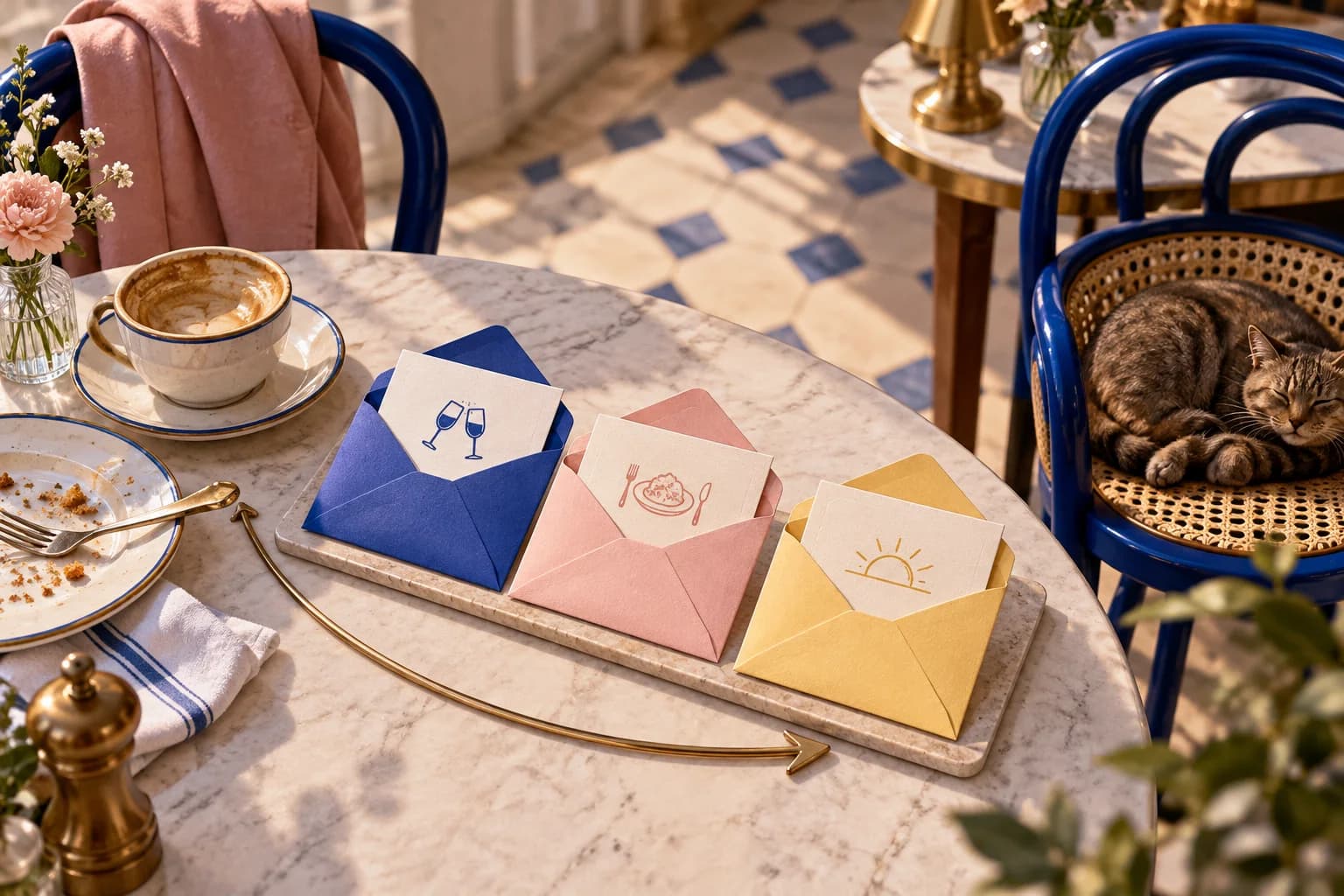
The Most Expensive Silence in Marketing
Plenty of venues collect WiFi contacts, sync them to an email tool and then send nothing. The guest ticked a box saying they would like to hear from you, and the next thing they hear is a generic newsletter three months later, if anything.
The first few days after a visit are when the guest remembers you best. They were in your room, they had your food or coffee, and they just said yes to hearing from you. A short welcome sequence uses that window. Leave it too long and your first email reads like it came from a stranger.
Only send this sequence to guests who ticked a marketing box. Use separate, unticked marketing consent rather than treating WiFi terms acceptance as a yes; VoqadoWiFi's explicit consent mode does this and saves the wording each guest agreed to.
Put this guide to work
Free worksheets, campaign templates and a venue growth calculator. No email gate.
Email 1: The Connection Confirmation (Same Day as Login, Within 2 Hours)
Purpose: say hello and set expectations. Not a discount.
What to include:
- A plain, personal subject line: "Great to meet you today, [First Name]"
- One line about the visit: "Thanks for coming in today. We hope you enjoyed it."
- A short note on who you are: how you started, the thing people come back for
- What you will send and how often: "Now and then we'll send new menu items, events and a treat on your birthday."
What to leave out: discount codes, review requests, social follow buttons. Those can come later.
Timing note: a short delay means it arrives after the guest has left, not while they are still at the table. If you also send a review request after the visit, decide which one goes first so the guest does not get two emails within an hour.
Email 2: Social Proof and Discovery (Day 3)
Purpose: make the venue more interesting before asking for anything.
What to include:
- A curious subject line: "What our regulars always order first"
- Two or three things your regulars actually order or come in for
- One upcoming event or seasonal item
- Something human: a staff pick, a supplier you use, a detail from the kitchen
What to leave out: countdown timers and "limited time" language. Write it the way a friend who works there would tell you about the place.
Email 3: The Incentive (Day 7, Conditional on No Return Visit)
Purpose: give a clear reason to come back this week.
What tends to work:
- A specific free item rather than a percentage. "A slice of our seasonal cake with any coffee" is easier to picture than "15% off". Test both on your own list if you are not sure.
- A real deadline: "Valid Monday to Wednesday this week"
- An easy way to claim it: "Show this email at the counter"
Subject line: "[First Name], we saved something for you. Valid until Wednesday."
The "no return visit" condition is the hard part, and it is covered below.
Measure the sequence on what you can count: opens and clicks in your email tool, redemptions at the counter, and returning guests in your WiFi dashboard.
Setting Up in Mailchimp
Mailchimp calls these Marketing Automation Flows. From Automations you reach the Automation flows page and create a new flow (Mailchimp: About Marketing Automation Flows).
- Starting point: "Tag added", choosing the tag your WiFi platform applies to guests. VoqadoWiFi tags synced guests "wifi-guest" and "location:" followed by the venue name. "Signs up for email" is another option (Mailchimp: flow triggers).
- Time delay of about 2 hours, then Send email (Email 1).
- Time delay of 3 days, then Send email (Email 2).
- Time delay of 4 days, then Send email (Email 3).
About the condition on Email 3: Mailchimp has a Conditional split step, but it can only branch on data Mailchimp holds. VoqadoWiFi's sync sends name, phone and those tags, not visit history, so Mailchimp cannot tell whether the guest came back. You have two honest choices. Send Email 3 to everyone in the flow and word it so it still reads well to someone who already returned ("Next time you're in..."), or skip the automation for Email 3 and send it as a weekly campaign to guests whose last visit date in your VoqadoWiFi CSV export is more than 7 days ago.
Check who is in that audience before you switch the flow on. VoqadoWiFi only syncs guests who ticked the marketing box on the login page. If the audience also holds contacts from other sources, such as an old import, add a filter or a tag so only people who agreed to marketing enter the flow.
Mailchimp sync is on the Growth plan and above (pricing).
In VoqadoWiFi
VoqadoWiFi does not run a three email welcome sequence. Its post visit messages are set per venue in the dashboard, and the relevant ones here are:
- Thank you: first visit only, sent 10 minutes after, off by default
- Review request: on by default, 3 hours after the visit; every guest sees the same public review link whatever they rate
- Review reminder: off by default, 3 days later
Messages are capped at one per guest per venue every 7 days and four every 30 days, with quiet hours from 21:00 to 09:00 venue time by default. Post visit emails are switching on venue by venue as email goes live.
If you build the sequence in Mailchimp, leave the VoqadoWiFi thank you off so new guests do not get two hellos, and remember the review request will also arrive on day one.
Next step: write Email 1 this week and send it to yourself from the flow before switching it on.
Get the free Guest WiFi Growth Kit
A diagnostic worksheet, signage copy guests can follow, a campaign brief and a monthly scorecard. Yours to print and share with your team.
Share this article