
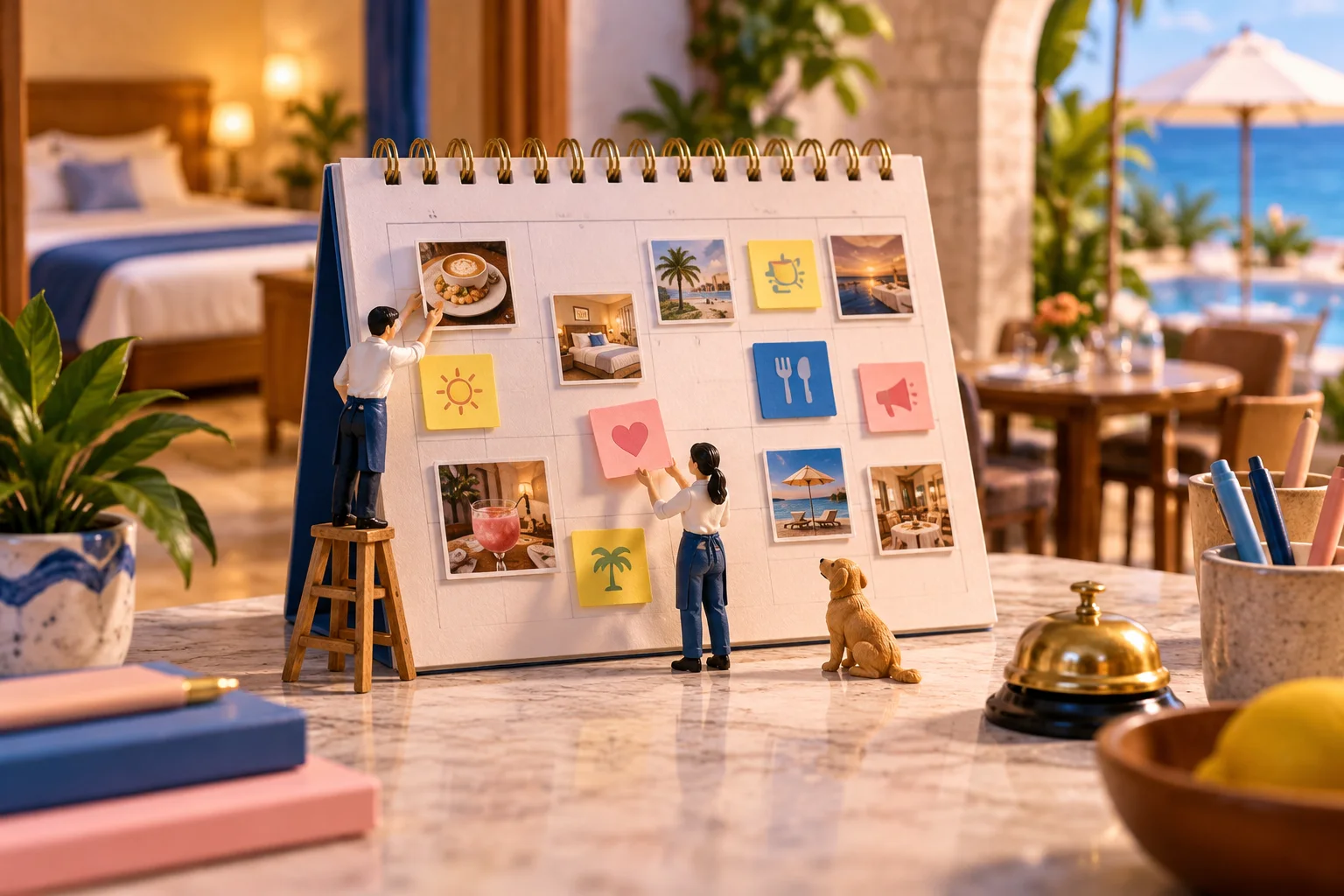
Social media has become one of the main ways businesses talk to customers. If you are not marketing your business on social media, you are missing people who are already looking for places to eat, stay and shop. With so many platforms, including Instagram, Facebook and TikTok, it is easy for your content to get lost, or to post on one platform and forget another. A social media calendar solves that, and you do not have to start from scratch.
For hospitality businesses in particular, a content calendar makes a big difference. Here is why you need one and how to use it.
Is a Social Media Calendar Essential?
Yes. Many businesses start strong on social media and then fade. After an initial burst of posts, activity slows to a trickle and eventually stops.
Put this guide to work
Free worksheets, campaign templates and a venue growth calculator. No email gate.
A social media calendar prevents that. Planning a month at a time means a busy week does not leave your accounts silent.
Running a business keeps you busy, but social media is where a lot of people look a venue up before they visit. DataReportal's Digital 2024 Global Overview Report counted 5.04 billion social media user identities at the start of 2024 (identities, not unique people, since one person can have several accounts). A free calendar template helps you stay organized and on track.
When is a calendar not worth it? If you post once a week from one account, a recurring reminder on your phone does the same job. The calendar earns its keep once you have two or more platforms, more than one person posting, or promotions that need planning ahead.
Four Reasons You Need a Social Media Schedule
Without a plan, social media quickly becomes a daily chore you fall behind on. Here are four reasons to schedule your posts.
1. Brings Order to Chaos
You probably have plenty of ideas. A calendar organizes them so you know what to post and when, and your campaigns go out on time.
2. Saves Time
Creating good content takes effort. A calendar highlights key dates and events in advance, so you can plan and batch your posts instead of scrambling.
3. Maintains Consistency
A regular schedule keeps you accountable, and followers learn when to expect you. A steady weekly rhythm usually beats a burst of daily posts followed by a month of silence.
4. Helps with Strategic Planning
A calendar lets you plan for holidays, events and promotions ahead of time, and review what performed well so you can improve future campaigns.
Deciding What Content to Schedule
Choosing what to post is often the hardest part, but it gets easier with planning. Here are ideas to start with, especially for hospitality, though they adapt to other sectors:
- Weekly series. Regular features such as a dish of the week or a Friday Q&A keep people coming back.
- Contests and giveaways. Prizes that matter to your audience but are affordable for you drive engagement. Follow each platform's promotion rules and publish clear terms.
- Guest reviews. Share genuine reviews and guest comments, with permission where needed, to build trust.
- Photo updates. Renovations, new dishes, seasonal décor or a typical day at your venue.
- Behind the scenes. Your team, suppliers and kitchen humanize your brand and deepen the connection.
Experiment and see what resonates. As you plan, one common rule of thumb is the rule of thirds:
- One third social engagement (interacting with followers)
- One third curated content (sharing relevant content from others)
- One third original content (your own posts and updates)
It is a starting point, not a law. A small venue with little time can skip curated content entirely and still do fine.
Choosing Social Media Content Categories
Before you fill your calendar, decide on the content categories that will guide your posts. Popular categories include:
- Blog post shares from your website or trusted industry sources.
- Tips your audience can use.
- Quotes that suit your brand.
- Behind the scenes glimpses of your business or team.
- Events, both in person and online.
- Announcements about news, new products or changes.
- Conversation starters that invite comments and feedback.
- Challenges that encourage participation.
- Video, from quick tips to short tours.
List your categories and brainstorm ideas for each. That gives you months of posts. To help, here is a simple calendar layout with categories built in; customize it to suit you.
Your Free Social Media Calendar Template
Create a spreadsheet in Google Sheets or Excel with these columns, one row per post:
| Date | Platform | Category | Post idea | Caption | Visual | Link | Status |
|---|---|---|---|---|---|---|---|
| Monday | Behind the scenes | Morning prep in the kitchen | Who else starts the day like this? | Reel | Draft | ||
| Wednesday | Events | Live music on Friday | Join us from 7pm | Poster | Booking page | Scheduled | |
| Friday | TikTok | Weekly series | Dish of the week | Our chef's new favorite | Video | Idea |
Add one tab per month, mark key dates such as holidays and local events at the top, and color the Status column so gaps stand out. For a step by step Google Sheets walkthrough, see our companion guide linked below.
Our free Guest WiFi Growth Kit also includes a one page campaign brief and a monthly scorecard. Enter your email at the end of this article to get it.
Ensure Your Calendar Remains Full
Running out of content is a familiar feeling, but a good calendar makes it rare. If you need fresh ideas or quick filler, try these:
- Reshare old posts. Revisit your best performers and share them again, refreshed if needed.
- Curate content. Share high quality content from others in your industry, always credited. It supports your peers and adds value for your audience.
- Repurpose other content. Turn a popular blog post or video into short clips, quotes or carousels with new commentary.
For venue dates and campaign ideas through the year, see our seasonal WiFi campaign calendar.
Grow the Audience Behind Your Posts
Social media reach can change overnight when platforms change their algorithms. An email list of your own guests is steadier. VoqadoWiFi collects guest emails through your branded WiFi login on TP-Link Omada or Ubiquiti UniFi, with an optional, unticked marketing box next to the WiFi terms, so you can promote the same events and offers directly. Starter is free forever for one location and 500 guest logins a month. Create a free account.
Get the free Guest WiFi Growth Kit
A diagnostic worksheet, signage copy guests can follow, a campaign brief and a monthly scorecard. Yours to print and share with your team.
Share this article