

Open the guest list from any WiFi login and you will find them: asdf@asdf.com, test@test.com, a name followed by gmial.com, an inbox that stopped existing an hour after the guest left. Every venue that asks for an email address at the login page collects some of these.
The instinct is to block them. Before you do, look at what is actually going wrong, because a fake address is three different problems that need three different fixes. One of them is a guest saying no. One is a typing slip. One is a guest who found a workaround. Treating all three the same way usually costs you more real guests than it removes fake ones.
Three kinds of bad address
| Kind | Example | What is behind it | What helps |
|---|---|---|---|
| Refused | asdf@asdf.com | The guest wants WiFi, not your emails | Ask for less and make marketing a separate choice |
| Mistyped | ana@gmial.com | A slip on a phone keyboard | Suggest the correction while they type |
| Throwaway | ana@mailinator.com | A temporary inbox that expires | A gentle note, then let them online |
Put this guide to work
Free worksheets, campaign templates and a venue growth calculator. No email gate.
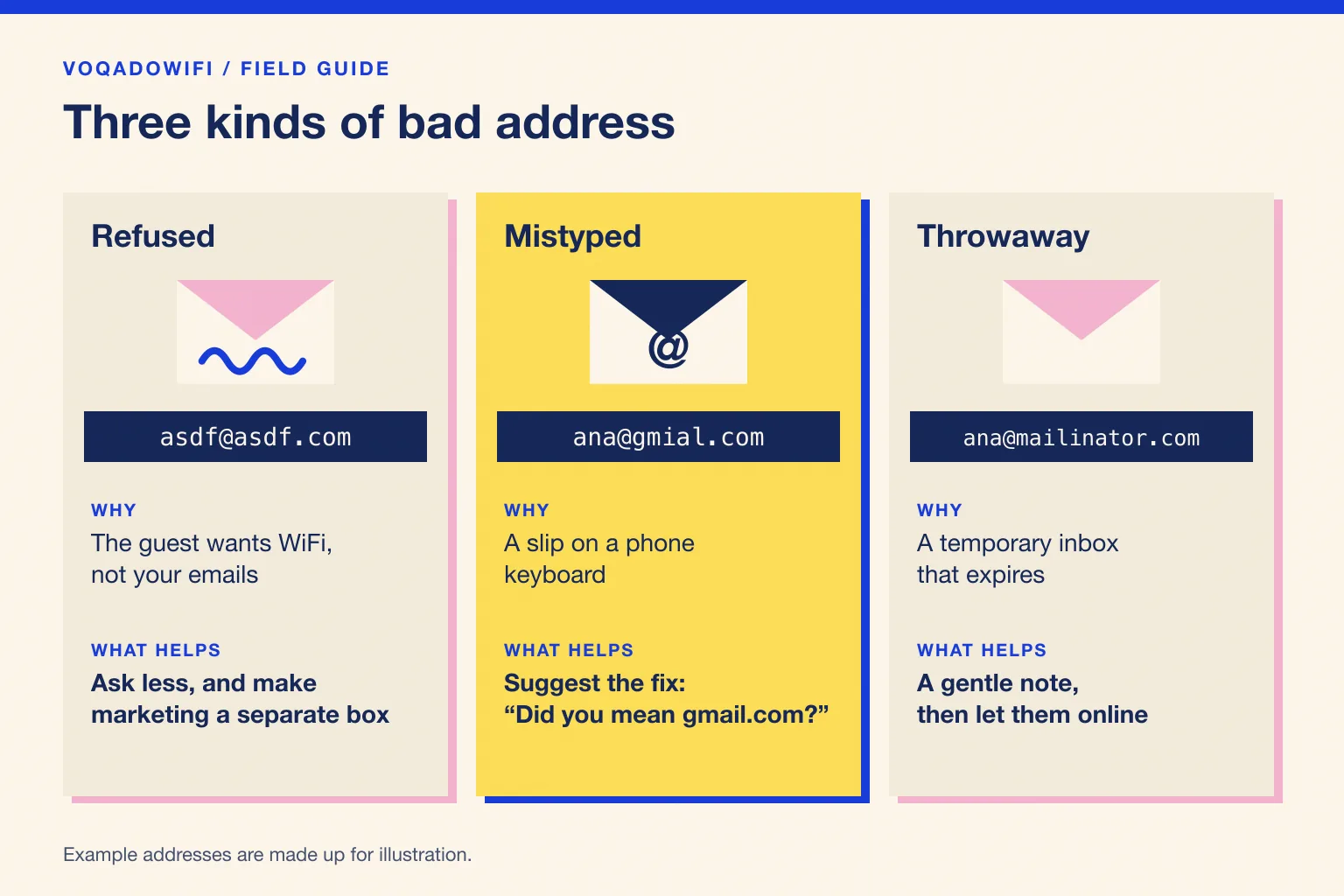
The addresses in the table are made up. The pattern is not: open your own list, sort it by the part after the @, and you will usually see all three kinds within a few minutes.
Refused: the guest is telling you something
A guest who types asdf@asdf.com is not trying to break your system. They want to get online and they do not trust what happens to their address afterwards. The login page has made email look like the price of WiFi, so they pay with a fake.
Three things make that more likely:
- The marketing choice is bundled with access. If ticking "send me offers" is required to connect, a guest who does not want offers has only one honest move left, and it is to give you an address that does not work. Our guide to GDPR compliant guest WiFi explains why tying consent to access is a problem in its own right.
- The form asks for too much. Every extra field is another reason to hesitate. An email address and a first name are enough to welcome someone back by name.
- Nothing says what you will send. "Join our list" means nothing. "One email on your birthday and our monthly menu, unsubscribe any time" is something a guest can say yes to.
The fix is a better form, not a stricter one. Ask for the email to get online, keep marketing permission as a separate box that starts unticked, and say plainly what the guest will receive. Guests who still say no to marketing will at least give you a working address for the visit itself, and some of them will say yes later. The opt in rate guide covers the wording in more detail.
Mistyped: an honest guest and a phone keyboard
A captive portal is a small web page opened on a phone, often while someone is holding a menu or a drink. Typing slips are normal: a swapped letter, a missing dot, .con instead of .com. The guest meant to give you their real address. The address is just wrong, and every email you send to it will bounce.
You cannot fix this afterwards. Changing gmial.com to gmail.com in your own list is a guess, and if the guess is wrong you are emailing a stranger who never agreed to hear from you. The only good moment to correct a typo is while the guest is still on the page.
That is what a suggestion does. When the part after the @ is one or two letters away from a common mail domain, the page asks "Did you mean ana@gmail.com?" and the guest taps once to accept it. Nobody is blocked, and the guest stays in control of what is submitted.
Throwaway: a workaround, not an attack
Temporary inbox services give anyone an address that works for a few minutes. A guest who uses one has decided they do not want to hear from you, and has gone a step further than typing nonsense to say so.
You can detect the best known throwaway domains, but there are always new ones, and no list is complete. Blocking them mostly teaches guests to type a fake that your list does not know. A short note ("This looks like a temporary inbox, so you may miss your welcome email") is honest, and it gives the guest a chance to change their mind without making the WiFi feel like a trap.
The checks platforms offer, and what each one costs
Most guest WiFi platforms offer some mix of the checks below. Each removes a different kind of bad address, and each puts a different amount of friction in front of a guest who simply wants to get online.
| Check | Catches | Misses | Cost to the guest |
|---|---|---|---|
| Format check | Text with no @ or no domain | Every fake that looks like an address | None |
| Domain check | Domains that do not exist or cannot receive mail | Typos inside real domains, throwaway inboxes, made up names at real domains | An error to correct |
| Typo suggestion | Common domain slips | Refusals and throwaways | One tap, optional |
| Throwaway list | Known temporary inbox domains | New services | A note, or a block if you choose one |
| Verification email | Any address the guest cannot open | Nothing, if the guest completes it | Leaving the portal to find an email, sometimes against a timer |
The limits in that table come from the vendors themselves. Spotipo, for example, says its domain check confirms that the domain exists and can receive mail, but that it does not verify whether the specific address exists, that a misspelt real domain such as gmail.con can get through, and that it does not stop temporary inbox services (Spotipo, email domain verification). Its verification email gives guests a short window of internet access, then shows the login page again until they click the link (Spotipo, email verification).
Verification is the only check that proves an address works, and it is the heaviest. It suits places where a working address is the point of the login, such as a members area. For a café or a bar, sending a guest to their inbox before they can finish their coffee is a lot to ask, and the guest who gives up is still sitting in your venue.
How VoqadoWiFi handles it
We chose to nudge rather than block, because a blocked guest is still in your venue and now unhappy.
- Format check on every login. An entry that is not shaped like an email address is sent back with a clear message.
- Typo suggestions on the consent form. New locations use our explicit consent form, which shows a "Did you mean" suggestion when the domain is a near miss of a common mail domain. It waits until the guest pauses, and it never stops them connecting.
- A note for known throwaway inboxes. The same form shows a short note for well known temporary inbox domains. The guest can ignore it and connect.
- Marketing is a separate, unticked box, stored with its wording, time and source, so the email address is never the price of marketing.
- Returning devices skip the form. A device the portal recognises within the auto login period, 30 days by default, goes straight through, so regulars are not asked to type their address on every visit.
- Bounces stop future sends. An address that bounces or complains is suppressed and is not emailed again.
None of this makes every address real. It makes the honest ones more accurate and gives the reluctant ones fewer reasons to lie.
Cleaning the list you already have
If you are moving an older guest list into a new platform, or simply tidying one, a short routine catches most of the damage.
- Sort by domain. Near miss domains, placeholder domains and temporary inbox domains cluster together and are quick to spot.
- Remove what cannot be real. Addresses at domains that do not exist, and obvious placeholders such as test@test.com, can go.
- Do not correct typos yourself. You do not know who owns ana@gmail.com. Remove the broken address instead of guessing.
- Send to a small batch first and watch the bounces before sending to everyone.
- Let bounces unsubscribe people automatically. Google's sender guidelines ask senders to automatically unsubscribe recipients whose messages bounce repeatedly, and to keep the spam rate reported in Postmaster Tools below 0.3% (Google, email sender guidelines).
Our guest email list migration checklist covers moving a list between platforms, and the hospitality email deliverability guide explains why a clean list keeps your emails out of the spam folder.
Should you block fake emails at all?
Block what cannot be an address. Nudge the typos. Note the throwaways. Let everyone online. Then spend the effort where the real gain is: a shorter form, a clear promise about what you will send, and a separate marketing box. Those three changes turn more refusals into real addresses than any blocklist will.
Next step: see how the consent form and its suggestions look on your own venue by creating a free Starter account. It covers one location with no card required.
Get the free Guest WiFi Growth Kit
A diagnostic worksheet, signage copy guests can follow, a campaign brief and a monthly scorecard. Yours to print and share with your team.
Share this article